Every task Bill of Resources draws from one place: the Resource master. Define each machine, labour category and tool once — with its code and barcode, type, category and group, rate, working hours per day, efficiency, default holiday, input and output rates and unit — and it is costed and referenced the same way on every project. Those rates flow straight into cost estimation and project billing, so a number set here is the number that shows up on the bill.
The Resource master is the pool the whole product draws on. Define it once, classify it, and it becomes the priced building block of every Bill of Resources, cost estimate and project bill.
The Resource master is the single pool every task Bill of Resources draws from. Each resource carries its identification — group, code and barcode — and the numbers that make it plannable and costable: a rate or price, working hours per day, an efficiency, a default holiday, input and output rates and a unit of measure. Machines, labour categories and tools all live in the same master, so a task can mix a plasma cutter, a MIG welder and a fitter grade on one BOR, each priced consistently across every project that uses it.
A flat list of two hundred resources is a scroll, not a tool. Three classification masters — resource group, resource category and resource type — organise the pool so all your cranes, all your welders or all your CNC machines sit together. Pick a resource from its group when you build a BOR, filter and report by class, and keep the estimate tidy. A resource-versus-parameter mapping adds the parameters a resource is measured or driven by, so the process layer of a BOR has something real to point at.
The rate lives on the resource, not scattered across spreadsheets. Add a resource to a task Bill of Resources and its rate travels with it — cost estimation multiplies planned quantity by that rate to build the estimated task and project cost, and the same rate flows into the resource-itemised project bill. Change a rate once on the master and every new estimate and bill reflects it. That single source of truth is what keeps costing and billing honest.
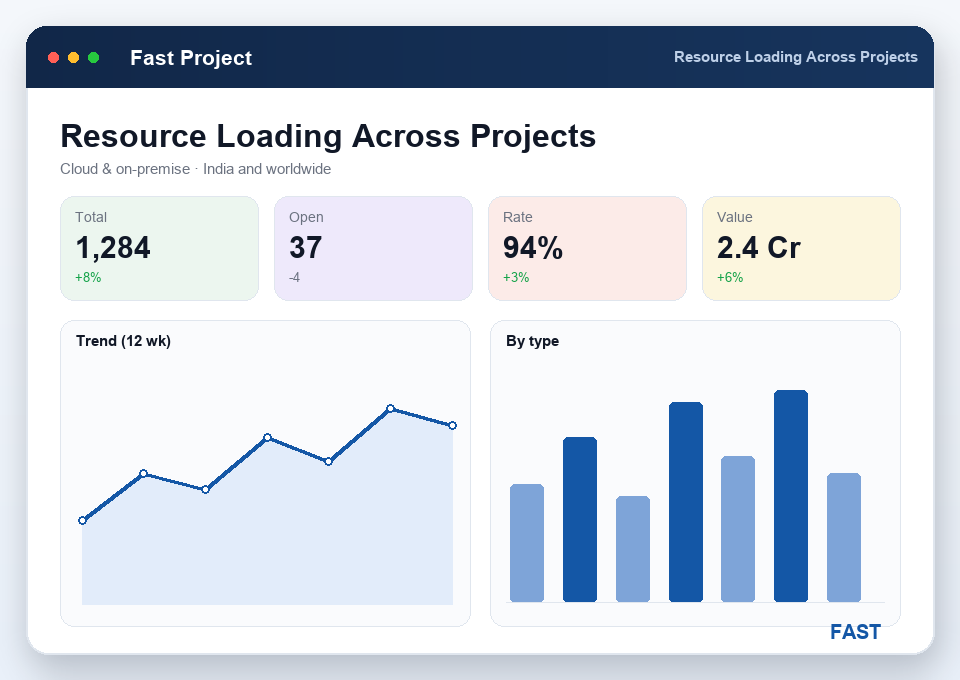
The resource report lists the pool itself — every machine, labour category and tool with its rate and capacity. Turn it toward execution and resource-wise loading shows how that pool is committed across the portfolio: which resources are planned on task BORs, and how heavily, across every project at once. An over-committed crane or a single scarce welder stands out before it turns into a schedule problem — and Dhruv AI can answer plain-English questions over the same data.
Machines, labour and tools defined once with code, barcode, rate, working hours, efficiency and unit — the pool every BOR draws from.
Three classification masters organise the pool so resources group, filter and report cleanly instead of one long flat list.
A rate held on each resource that flows straight into cost estimation and the project bill — one number, one source of truth.
Working hours per day, efficiency and a default holiday on each resource, so plans and capacity reflect real availability.
A code, barcode and unit of measure on every resource, so it is identified and quantified the same way wherever it is used.
A report of the whole pool, and resource-wise loading across projects, so over-committed machines and labour surface early.
Most costing errors are just a rate that was right in one file and wrong in another. Here is what a single, classified master changes.
The Resource master is the single pool of machines, labour and tools that every task Bill of Resources draws from. Each resource carries a group, code and barcode, a type and category, a rate or price, working hours per day, an efficiency, a default holiday, input and output rates and a unit of measure. Because a resource is defined once and reused everywhere, the same welding bay, fitter grade or crane is costed and referenced consistently across every project that uses it.
A resource carries its identification — group, code and barcode — its classification as a type and category, and the numbers that make it plannable and costable: a rate or price, working hours per day, an efficiency percentage, a default holiday, input and output rates, and a unit of measure. Machines, labour categories and tools are all held in the same master, so a BOR can mix all three on one task.
Resources are organised by three classification masters — resource group, resource category and resource type — plus a resource-versus-parameter mapping. That structure lets you group all cranes, all welders or all CNC machines together, filter and report on them by class, and keep the Bill of Resources tidy by picking a resource from its group rather than a flat list.
The rate lives on the resource. When a resource is added to a task Bill of Resources, its rate comes with it, so cost estimation multiplies planned quantity by that rate to build the estimated task and project cost. The same rate then flows into the resource-itemised project bill. Update a rate once on the master and every new estimate and bill reflects it — costing and billing stay consistent.
Yes. Because resources are planned on task BORs across every project, Fast Project Management Software can report resource-wise loading — which machines, labour categories and tools are committed, and how heavily, across the portfolio. The resource report lists the pool itself, and the loading view shows how the pool is being used, so you can spot an over-committed resource before it becomes a schedule problem.
Live demo of the Resource master, its rates and resource-wise loading — on your own machines, labour and tools. Cloud or on-premise, no generic slideshow.